
 Pakistan · World · Independent Digital Newsroom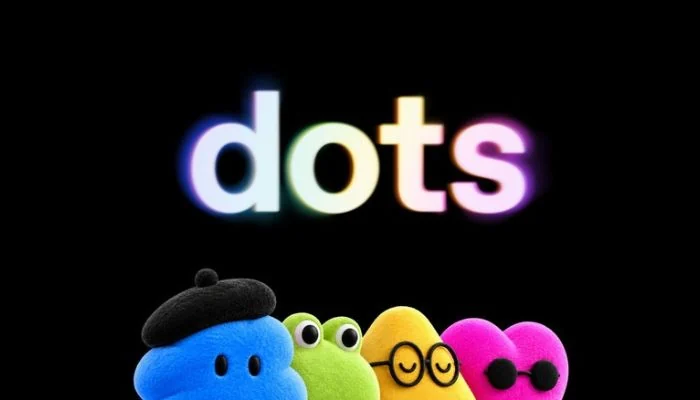
You won't need to open the app.Dots were launched by OpenAI last month.
These are AI assistants who work behind the scenes, remember crucial facts, and keep tabs on things being done.
You could previously access them via ChatGPT, Slack, or Microsoft Teams.
What was left was to get access via your messaging app on the phone.You can now send a message to your dot just like how you do with other contacts.
The chat need not always be initiated by you.If you have asked your dot to keep an eye on things or help out with a task, then it can send you messages with updates.Your Dot remembers your earlier conversations and keeps the same connected plugins wherever you talk to it.
Start planning a trip in ChatGPT, continue over text later, and you won't have to explain everything again.However, allowing the AI assistant to join your messaging app may pose some privacy issues.
OpenAI claims that the conversation is between you and your Dot only.
In addition, the company says that the process of enabling the feature does not mean giving the Dot access to other text conversations.If you've got this feature update, go to your Dot profile in ChatGPT and select Texting.
Ensure that iMessage is activated on your iPhone or RCS on your Android phone.For now, the preview is only available to ChatGPT Pro users in the United States.
You can now text your ChatGPT Dot: 3 things to know October 29, 2026.