
 Pakistan · World · Independent Digital Newsroom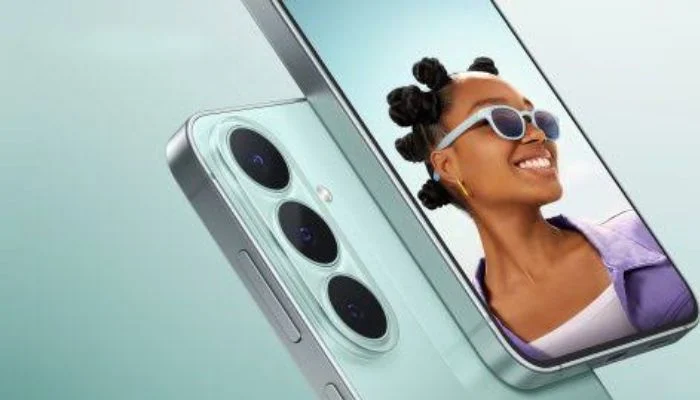
You're about to run out of excuses, because Google Photos sync is finally starting to roll out to Samsung Gallery, and there's a hard deadline attached.However, Samsung had confirmed earlier this week that it will be swapping out its Microsoft OneDrive backup functionality for native Google Photos support, akin to how OnePlus and Xiaomi have done on their own phones via their gallery apps.
This functionality was not yet available at the time.Now it actually is, rolling out to some users through updates to the Gallery Sync and Samsung Cloud apps, alongside a Samsung Gallery update itself.According to leaker Ice Universe, who provided screenshots of the new settings, the synchronisation feature seems to be enabled by Samsung Gallery version 15.9.01.7, although the process is performed using the separate Gallery Sync and Samsung Cloud apps.There….
Your device has to have at least Android 13 installed, Workspace accounts are not supported, and images or videos synced from Samsung Gallery can't be viewed in the Google Photos app in Memories, highlights, Live albums, or Search.In addition, it is a one-directional process since Samsung Gallery shows only those images or videos that were synced from the Samsung device and not from Google Photos.
Also, Samsung Gallery can view only images or videos that were backed up via Gallery Cloud Sync and not in any other way.If all the updates for your device have been installed, the setting is located in the Menu tab of the Samsung Gallery app → Settings → Sync → Sync photos and videos.
Samsung Gallery now syncs with Google Photos: Here's how September 18, 2026.



Comments & Discussion
Join a respectful, on-topic conversation. Personal attacks, hate speech and spam may be removed.