
 Pakistan · World · Independent Digital Newsroom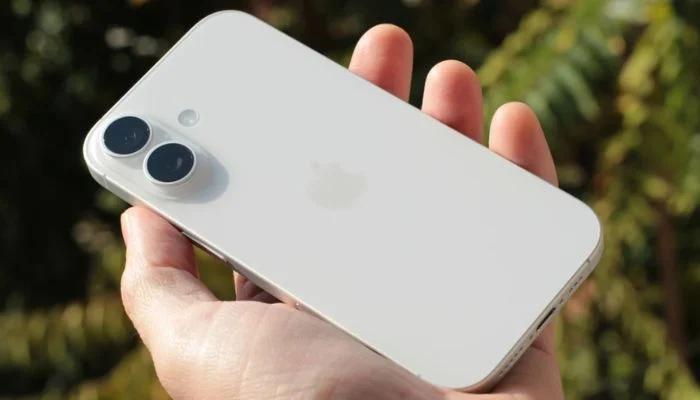
Buried in the settings, though, are two free tools that can turn it into something closer to a personal productivity system, no third-party software required.Shortcuts is a no-code scripting tool already built into iOS, and it's easy to underestimate how much it can automate.
Simple versions can save PDFs, log expenses, or move files without ever opening the Files app.More advanced setups reprogramme the Action Button entirely, turning it into a quick-access menu for whatever tasks someone runs most often during a workday.
None of this requires a subscription or a download; it's sitting in Settings waiting to be configured.While Shortcuts makes my day move faster, Focus mode is what prevents work from taking over everything.
With customised Do Not Disturb and Work profiles, I can mute certain apps when those particular profiles are active, meaning that my work email will stay silent during non-work hours, but my personal emails can come through.That’s the same process for communication and productivity apps such as Signal, WhatsApp, Trello, and Slack, in both directions.Focus mode was introduced in iOS 15 all the way back in 2021, although it's expanded….
Today, it allows for filtering mailboxes, calendar filtering, and dual SIM selection when using one specific Focus profile.Additionally, each Focus profile may have its own design for the Home and Lock screens to ensure that there is an exclusively work-related screen only when it's being used.
2 built-in iPhone 17 tools fix your work-life balance September 20, 2026.